Running a 20-billion-parameter model on a local machine was considered impossible just a few years ago. Today, thanks to optimized quantization methods, lightweight inference engines, and increasingly powerful consumer hardware, it has become not only feasible but surprisingly practical.
This guide explains what you need, how it works behind the scenes, and how to set up a 20B model locally using modern open-source tools.
Why Run a Large Model Locally?
Local AI has gained massive momentum because it solves many of the limitations of cloud-based AI:
- No subscriptions
- Full data privacy (everything remains on your machine)
- Instant responses without network latency
- No usage caps or API limits
- Model customization without vendor restrictions
For developers, creators, researchers and privacy-conscious users, running AI locally is rapidly becoming the preferred solution.
Hardware Requirements
A 20B model is large, but modern quantization reduces its memory footprint dramatically.
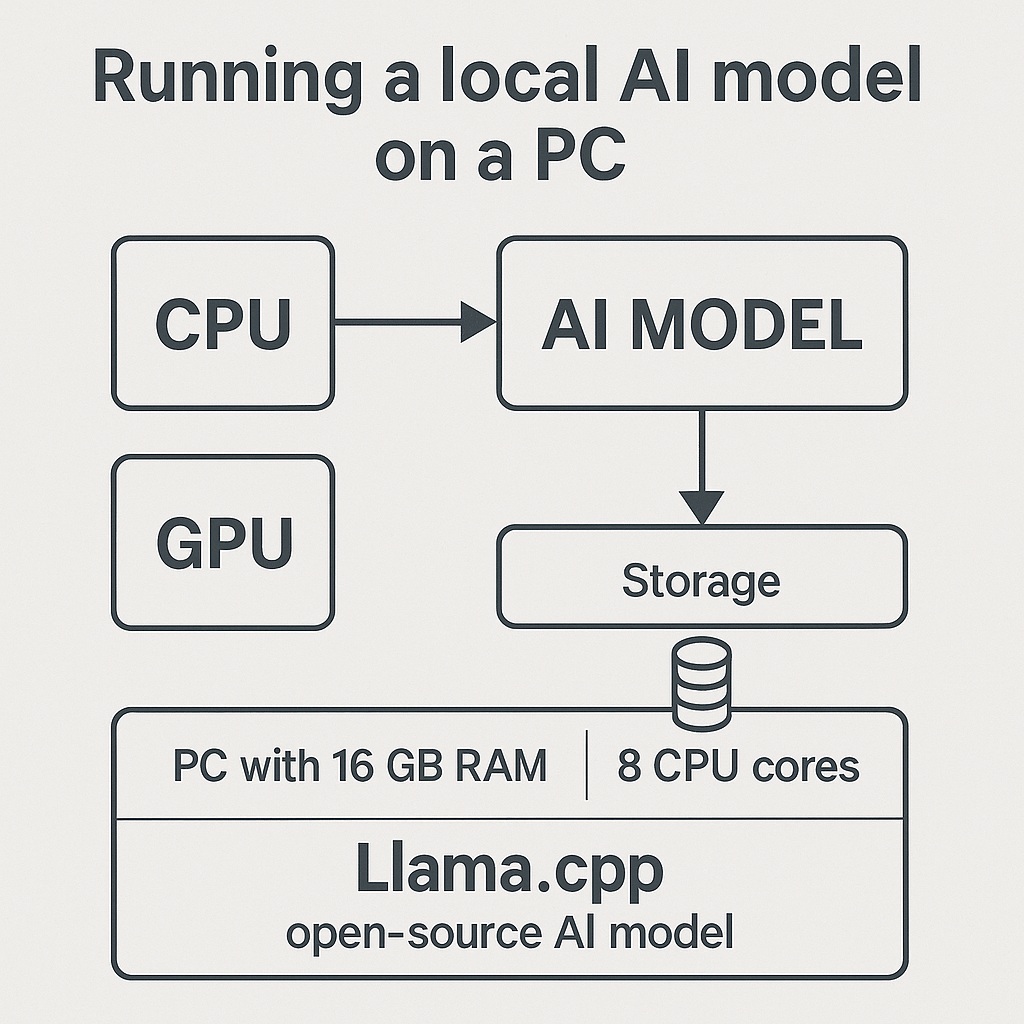
Here are the realistic minimum specs for smooth performance:
CPU
- A modern 8-core or 12-core CPU
- Ryzen 5 / Ryzen 7 or Intel i5 / i7 (2020 or newer)
The model can run entirely on CPU if necessary.
RAM
- 32 GB RAM recommended
- 48–64 GB gives headroom and avoids swapping
GPU (optional but beneficial)
- NVIDIA GPU with 6–12 GB VRAM
- RTX 3060, 4060, 4070, etc.
GPU acceleration is not mandatory, but helps.
Storage
- SSD (NVMe preferred)
- 30–60 GB free for models and quantized variants
Why Quantization Matters
A full-precision 20B model (FP16) requires over 40 GB of VRAM, making it impossible to run on consumer hardware.
Quantization techniques such as:
- Q4_K_M
- Q5_K_S
- Q6_K
compress the model down to 8–14 GB without a significant drop in quality.
This reduction enables:
- Loading the model into system RAM
- Running inference with moderate GPU VRAM
- Keeping performance surprisingly close to FP16 baselines
The Software Stack
Several open-source tools make large-model inference possible.
1. Llama.cpp
A lightweight and highly optimized inference engine.
- Works on Windows, Linux, macOS
- Supports CPU and GPU execution
- Extremely efficient quantization support
2. GGUF Format
Modern binary format for quantized models.
- Fast loading
- Better memory handling
- Works seamlessly with llama.cpp
3. UI Frontends
(Optional but convenient)
- oobaBooga Text Generation WebUI
- LM Studio
- KoboldCpp
- Custom FastAPI dashboards
These provide chat interfaces, model switching, and useful tools for prompting and debugging.
Real-World Example: Running GPT-OSS 20B
GPT-OSS 20B is one of the most efficient 20B models currently available. In quantized form:
- Q4_K_M → 8–9 GB
- Q5_K_M → 10–11 GB
This makes it ideal for local use on consumer hardware.
On a Ryzen 7 + RTX 4060 machine:
- CPU-only: 6–10 tokens/sec
- GPU offload (6–8 layers): 12–18 tokens/sec
- Full GPU (if VRAM allows): even faster
The model behaves like a mid-range cloud LLM and can handle reasoning, conversation, coding and analysis tasks with excellent performance.
Step-by-Step Setup
1. Download llama.cpp
From the official GitHub repository.
Compile using:
(or use precompiled binaries on Windows)
2. Obtain a quantized GGUF model
Place it in a folder such as:
3. Run the model
Example command:
Where:
-nglassigns layers to the GPU-cis context size-tsets CPU threads
4. Use a UI (optional)
Tools like LM Studio or Text Generation WebUI can automatically detect the model.
Practical Performance Tips
- Use Q4_K_M for speed, Q5_K_S for quality.
- Increase CPU threads for faster inference.
- Offload at least 20–30 layers to GPU if VRAM allows.
- Keep other applications closed to avoid RAM pressure.
What Can a Local 20B Model Actually Do?
Surprisingly much:
- Human-like chat
- Advanced reasoning
- Coding assistance
- Document summarization
- Role-play and creative writing
- Technical analysis
- Local agent workflows
With modern quantization, a 20B model often approaches the performance of 30B–40B models from just two years ago.
Conclusion
Running a 20B model locally is no longer a niche experiment.
It’s stable, fast, affordable, and gives complete control to the user.
2025 marks the moment when large language models left the cloud and became truly personal.
Local AI is not the future—it’s already here.